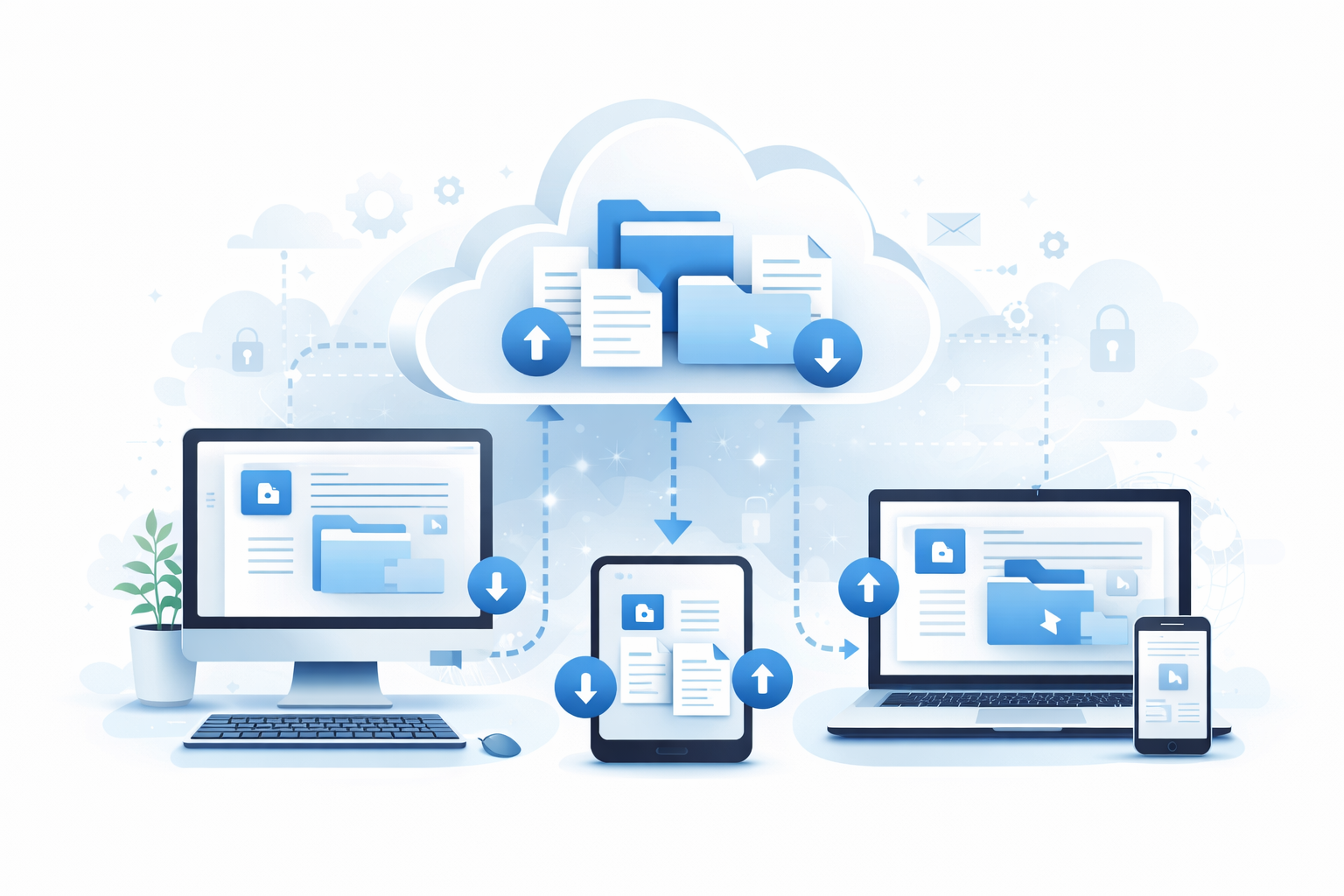
In the world of cloud accounting, file management might not seem glamorous, but it's absolutely critical. Dropbox for Business offers powerful features that solve real problems for accountants and bookkeepers: secure file sharing, team collaboration, client document collection, and automatic backup. Here's why Dropbox deserves a place in your accounting toolkit.
Why Accountants Need Dropbox
Accounting practices handle sensitive documents every day—tax returns, financial statements, payroll records, contracts, and more. Managing these files securely and efficiently is essential. Dropbox addresses common challenges:
- Email attachment limits: Share large files without hitting inbox limits
- Version confusion: Keep everyone on the same version
- Security concerns: Enterprise-grade encryption and access controls
- Remote access: Work from anywhere with cloud storage
- Client collaboration: Easy, secure document exchange
Key Features for Accounting Practices
1. Team Folders for Client Management
Organise your practice with a clear folder structure:
- Create a team folder for each client
- Use consistent subfolder structures (Tax Returns, Management Accounts, Correspondence)
- Set permissions so team members only access clients they work on
- Archive old client folders without deleting them
Pro tip: Create a template folder structure that you duplicate for each new client, ensuring consistency across your practice.
2. File Requests for Document Collection
Collecting documents from clients is often painful. Dropbox's File Request feature solves this:
- Send clients a simple link to upload files
- Files go directly into a designated folder
- Clients don't need a Dropbox account
- Set deadlines and send reminders
- Track who has uploaded what
This is perfect for tax season document collection, VAT return preparation, or any regular information gathering.
3. Smart Sync for Large Practices
If you manage many clients, local storage becomes a problem. Smart Sync lets you:
- See all files in File Explorer/Finder without downloading them
- Choose which folders to keep local
- Open any file on demand—it downloads when you need it
- Save gigabytes of local storage space
4. Version History and Recovery
Mistakes happen. Dropbox protects you with:
- Version history: Access previous versions of any file for 180 days (Business plans)
- Deleted file recovery: Restore accidentally deleted files
- Dropbox Rewind: Roll back an entire folder to a previous point in time
This is invaluable when a client accidentally overwrites an important document or you need to compare changes over time.
5. Sharing Controls
Dropbox offers granular control over shared files:
- Password protection: Add passwords to shared links
- Expiring links: Set links to expire after a period
- View-only vs edit access: Control what recipients can do
- Disable downloads: Allow viewing but prevent downloading
- Watermarking: Identify leaked documents
6. Dropbox Sign (eSignature)
Get documents signed electronically without leaving Dropbox:
- Send engagement letters for signature
- Collect tax return authorisations
- Create reusable templates
- Track signature status
- Legally binding signatures
Security Features That Matter
When handling client financial data, security is paramount. Dropbox Business includes:
Encryption
- In transit: 256-bit AES encryption
- At rest: 256-bit AES encryption
- SSL/TLS: Secure connections
Access Controls
- Two-factor authentication: Enforce for all team members
- SSO integration: Use your existing identity provider
- Device approvals: Control which devices can access data
- Session management: Force logout on lost devices
Admin Controls
- Audit logs: Track file and user activity
- Admin dashboard: Manage team from a central location
- Remote wipe: Remove data from lost devices
- Sharing restrictions: Set organisation-wide policies
Dropbox + Xero: Better Together
Dropbox and Xero work seamlessly together. You can attach Dropbox files to Xero transactions directly. But more importantly, Boxkite bridges the gap by automatically backing up your Xero data to Dropbox.
Why This Matters:
- Complete data protection: Your Xero data is backed up alongside your other documents
- Local access: Dropbox syncs to your computer, giving you offline access to Xero exports
- Version history: Dropbox's versioning applies to your Xero backups too
- One platform: All your accounting files in one organised location
Practical Use Cases
Tax Season Workflow
- Create a tax year folder for each client
- Send File Request for client documents
- Review uploaded documents within Dropbox
- Store working papers and calculations
- Share draft returns for review via secure link
- Collect signatures with Dropbox Sign
- Archive completed returns
Monthly Bookkeeping
- Client uploads bank statements via File Request
- Bookkeeper accesses files from any location
- Completed reports saved to client folder
- Share monthly reports with client via link
- Boxkite backs up Xero data automatically
Audit Preparation
- Create a dedicated audit folder
- Share with auditors (view-only access)
- Auditors can view documents without downloads
- Track which files auditors accessed
- Revoke access when audit completes
Dropbox Business Plans for Accountants
Choose the right plan for your practice:
- Dropbox Plus/Professional: For solo practitioners (2TB-3TB storage)
- Dropbox Standard: For small teams (5TB storage, Admin controls)
- Dropbox Advanced: For larger practices (Unlimited storage, advanced security)
- Enterprise: For firms needing custom solutions
Best Practices for Accountants
Folder Organisation
Create a consistent structure:
- /Clients/[Client Name]/Year-End/
- /Clients/[Client Name]/VAT Returns/
- /Clients/[Client Name]/Management Accounts/
- /Clients/[Client Name]/Correspondence/
- /Clients/[Client Name]/Xero Backup/ (for Boxkite exports)
Naming Conventions
- Use dates in filenames: YYYY-MM-DD format
- Include version numbers when needed
- Be consistent across all clients
Access Management
- Review team access quarterly
- Remove ex-employees immediately
- Use groups for common access patterns
- Document your access policies
Conclusion
Dropbox for Business offers features that directly address the challenges accountants face daily. From secure file sharing to document collection, version control to team collaboration, it provides a solid foundation for your practice's file management.
Combined with Boxkite's automated Xero backup, you create a comprehensive data protection strategy where all your critical business data—both documents and accounting records—lives in one secure, accessible location.
The result? Less time managing files, more time serving clients.