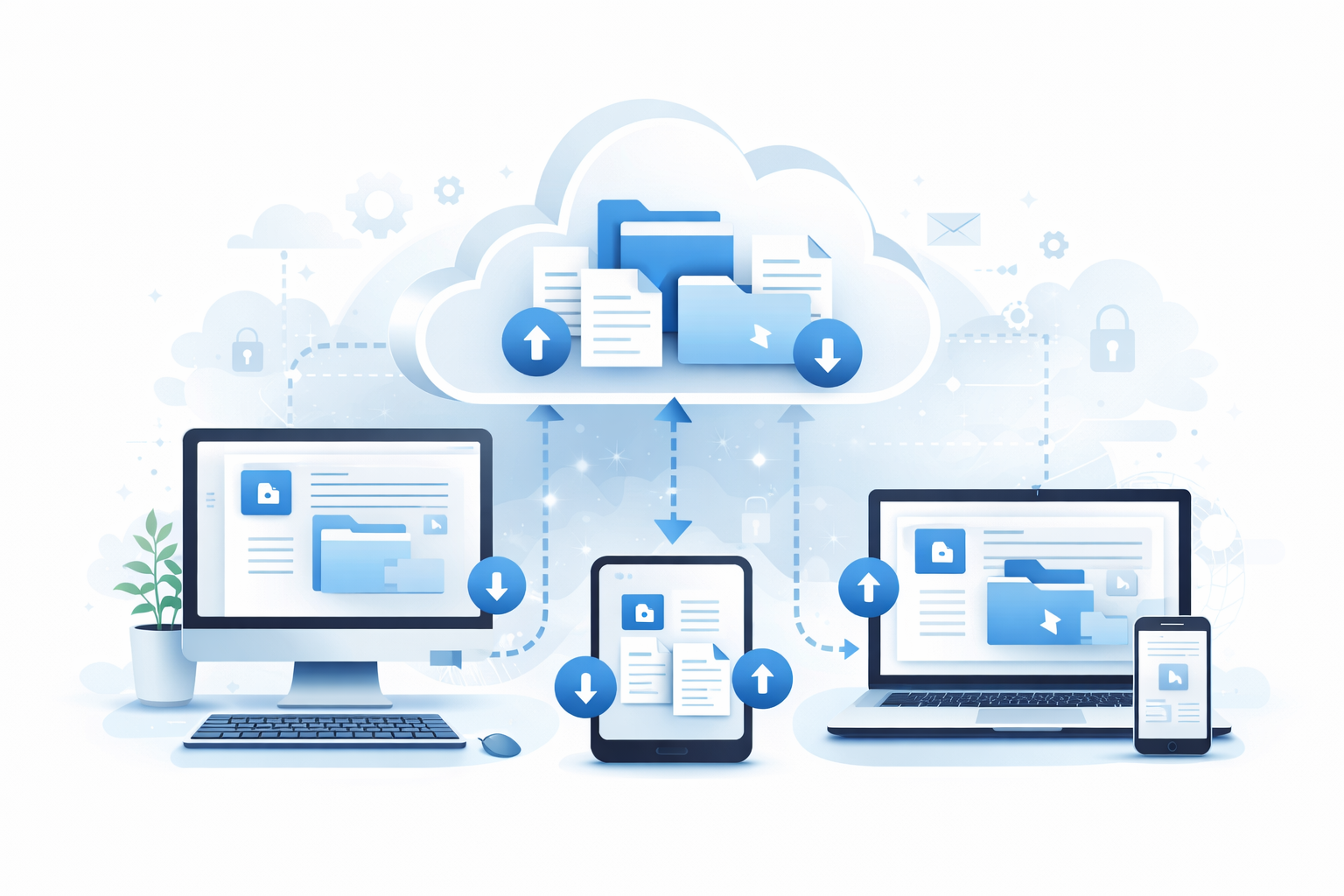
In the dynamic world of business accounting, flexibility is crucial. Whether you're transitioning to a new accounting system, changing accountants, or simply ensuring compliance, having a reliable backup of your financial data is essential. For Xero users, this often means considering the best way to export and safeguard their data. The good news is, you don't need a subscription to secure your Xero data; a one-time backup might be all you need.
There are several scenarios where a one-time Xero backup makes perfect sense. Here are a few common situations:
Opting for a one-time backup over a subscription service has several benefits:
Performing a one-time backup of your Xero data is straightforward, especially with services like Boxkite. Here's a step-by-step guide:
Before initiating a backup, consider what data you need. This could include invoices, bills, bank transactions, payroll details, and more. Understanding your data requirements will help streamline the backup process.
Boxkite offers a convenient one-time download service that allows you to export your entire Xero data set as a zip file for a single fee of $29. This service is perfect for those who need a comprehensive data export without the need for a subscription.
To use Boxkite's one-time download service, visit download.getboxkite.com. Simply follow the instructions to download your Xero data in a complete, easy-to-access zip file.
Once downloaded, ensure your backup is stored safely. Consider saving it to a secure cloud service like Dropbox, or on an encrypted external hard drive. This protects your data from loss or corruption.
Backing up your data is only part of the equation. Here are some best practices to ensure your data remains safe and accessible:
It's important to be aware of the legal and compliance implications of your data backup practices. Certain industries have specific data retention requirements. Always consult with a legal or tax professional to ensure your backups meet these obligations. Disclaimer: This article does not constitute legal or tax advice.
For many businesses, a one-time Xero backup is an ideal solution. It's cost-effective, simple, and provides peace of mind knowing your data is securely stored. Whether you're exiting Xero, changing accountants, or simply need to comply with regulatory requirements, Boxkite offers a straightforward and reliable service to meet your needs. Take the next step in safeguarding your financial data today by downloading your Xero data through Boxkite at download.getboxkite.com for just $29. No subscription required.
Need a complete copy of your Xero data? Get everything in one zip file — invoices, contacts, bank transactions, and more.
Download Your Xero Data — $29One-time payment. No subscription required.
