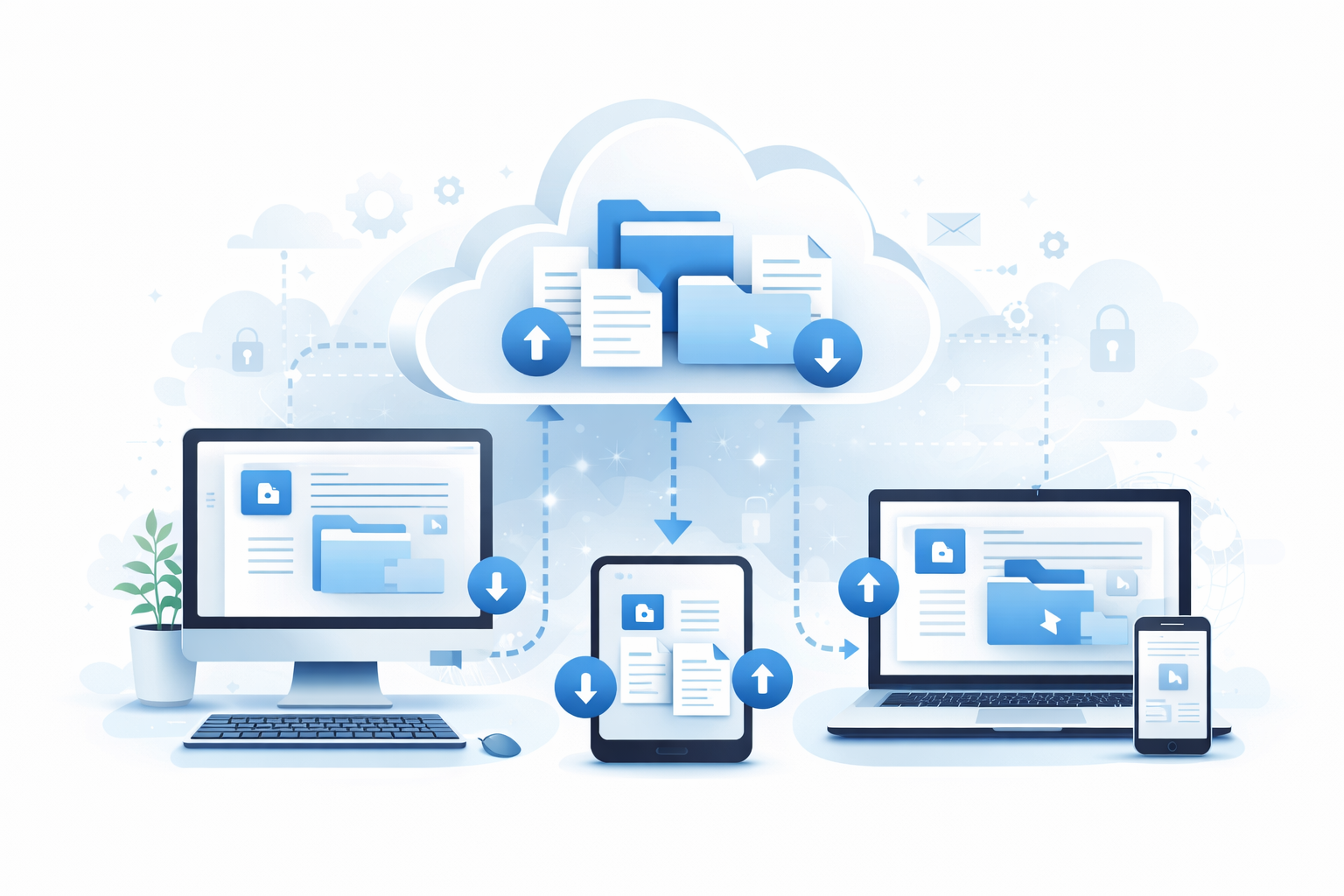
In today's digital age, managing financial data online has become increasingly common for businesses of all sizes. Xero, a leading cloud-based accounting software, provides users with robust tools to handle their financial activities. However, as with any digital platform, it is crucial to understand your rights and options regarding data portability. This article delves into the concept of data portability, your rights concerning your Xero data, and actionable advice on managing your financial information effectively.
Data portability refers to the ability of users to obtain and reuse their data across different services. This concept is essential in ensuring that individuals and businesses remain in control of their information, particularly when switching service providers or closing accounts. Data portability is a pivotal component of data protection regulations, such as the General Data Protection Regulation (GDPR) in the European Union.
Data portability empowers users, offering them the flexibility to:
As a user of Xero, you have specific rights concerning the portability of your data. Understanding these rights can help you make informed decisions about managing your financial records.
Xero users have the right to access their data at any time. This includes all transactions, invoices, and other financial records stored within the platform. It's crucial to regularly download and back up your data to ensure you have a personal copy, as this can safeguard against unforeseen circumstances.
Xero provides several options for exporting data:
For those seeking a comprehensive backup solution, third-party services like Boxkite offer valuable assistance. Boxkite allows users to automatically back up their Xero data to Dropbox, providing an additional layer of security and peace of mind.
Regularly backing up your Xero data is a fundamental practice to ensure data security. Here’s how you can do it effectively:
If you are switching accountants or moving to a different accounting service, ensure that your data is transferred smoothly. Here’s how Boxkite can assist:
Archiving your Xero data is not just about convenience; it is also a compliance requirement for many businesses. Here are some tips for ensuring legal compliance:
Boxkite provides a seamless solution for those seeking to manage their Xero data efficiently. With Boxkite, you can:
By leveraging Boxkite's services, you can rest assured that your financial data is secure, accessible, and portable, providing you with peace of mind and flexibility in managing your business operations.
Understanding and exercising your rights to data portability is essential for maintaining control over your financial information. By regularly backing up your Xero data and utilising services like Boxkite, you can ensure that your records are secure and accessible, regardless of any changes in your business circumstances.
Take action today and secure your financial records with Boxkite's one-time download service. Visit download.getboxkite.com to export your complete Xero data as a zip file for only $29. No subscription required.
Need a complete copy of your Xero data? Get everything in one zip file — invoices, contacts, bank transactions, and more.
Download Your Xero Data — $29One-time payment. No subscription required.
